
AI Photo to Video Generator Free Online

Upload the photograph you already have and Sumii gives it a timeline — depth, drift and believable subject motion instead of a flat pan across a JPEG. Identity holds, so a face stays that face and a product keeps its label. Free to start when you need an image to video AI that returns an MP4 rather than a slideshow.
What is Sumii's Image to Video Generator?

Sumii's image to video generator is an AI video generator from image: you supply a still, and the model infers what the scene would look like if it kept going. It reads depth, separates subject from background, and generates the frames that never existed — hair that lifts, steam that rises, a camera that moves around an object rather than over a flat plane. That is what separates a real photo to video AI from the old Ken Burns trick of zooming into a picture until the pixels give up. It is also the opposite input from text to video: here the plate already exists and you want it to breathe, rather than describing a scene from nothing. People use it when the shoot is over and the deliverable changed — a catalog still that now needs to run as a Reel, a portrait that deserves more than a static frame, a folder of holiday pictures that should become one film with music. Upload a JPG, PNG, WEBP, or HEIC, preview the motion, and download an MP4. Free to start, and the first result usually tells you whether the image had a video in it at all.
How Does Sumii's Image to Video Generator Work?
Step 1: Upload One Photo or a Whole Set
Drag in a single still to animate, or a batch when you want to make a video from photos in sequence. JPG, PNG, WEBP, and HEIC all work, so a webp to mp4 job needs no separate converter step beforehand.
Step 2: Describe the Motion and Choose the Frame
Say what should move and how the camera behaves — slow push-in, orbit, hair and fabric drift, steam off the cup. Set duration and aspect ratio, and add music if the piece is a memory film rather than an ad.
Step 3: Preview, Refine and Export MP4
Scrub the render and check the parts that matter: eyes, hands, logos, straight edges. If one area distorts, tighten the motion instruction or crop closer and run it again. Download as MP4 when it holds. Free to start while you test.
What You Can Do with Sumii's Image to Video Generator?

Turn a Catalog Still into a Moving Ad
Every seller has a folder of clean, competent, completely motionless product shots — and a feed that rewards motion. Animate one with a slow orbit or a push-in and the listing suddenly has a hero cut, no reshoot and no studio invoice. Identity lock keeps the label legible and the silhouette honest, which matters when the same clip runs as a PDP loop and a paid placement. Most teams find this the cheapest way to create AI video from image assets they already paid to produce.

Turn a Photo Set into a Memory Film with Music
A wedding, a trip, a first birthday: four hundred pictures nobody scrolls to the end of. Sequence the best of them, let each frame carry its own movement rather than a uniform zoom, and make a video with pictures and music that actually holds a room's attention. Because the motion is generated per image, the result reads as footage with a soundtrack instead of a slideshow with transitions — which is the difference between a clip people watch twice and one they politely sit through.

Bring Portraits and Archive Photographs Back to Motion
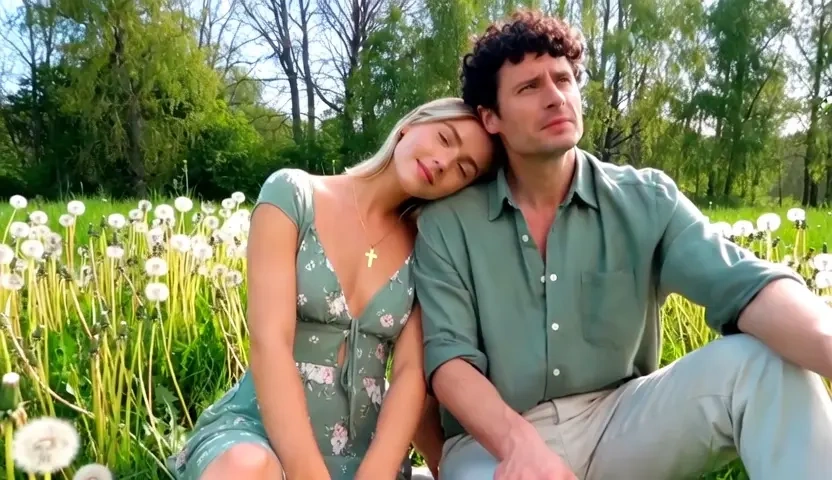
A scanned family photograph, a studio headshot, a single frame from a shoot that never got a video budget. Free AI animate image workflows give back the small signals a still cannot carry — a breath, a blink, light shifting across a cheek — while facial structure stays recognisably the same person. Handled with restraint it is genuinely moving; overdriven it looks uncanny, so the shortest, quietest motion is almost always the right call here.
Give Illustrations and Design Comps a Camera
Artwork, anime panels, poster comps, and architectural renders all sit still by default. Use image to animation AI to add parallax between foreground and sky, drift a cloud layer, or push through a room your client has only seen as a flat render. Illustrators use it to turn a portfolio piece into a looping post; designers use it to make a pitch board move before anyone commissions the real animation.
Who is Sumii's Image to Video Generator for?

E-commerce Sellers and Product Marketers
You already own the photography and the platform already prefers video. A picture to video AI closes that gap in an afternoon, turning the existing catalog into listing loops, story placements, and ad variants without booking the studio a second time.
Photographers, Event Pros and Memory Keepers
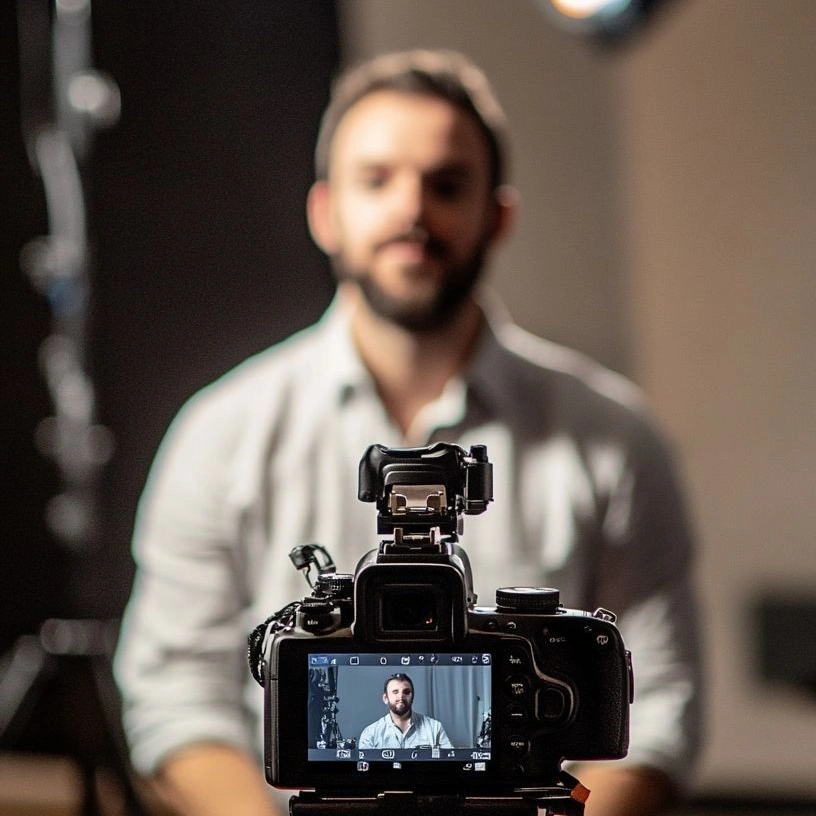
Wedding and family photographers deliver galleries; clients increasingly want something to post. Turning photos into video with music adds a deliverable to the same shoot, and families can do it themselves with a phone full of pictures and no editing experience.

Designers, Illustrators and Social Creators
A static post competes badly against a moving one. Animate the artwork you have, keep drafts out of any public gallery, and export MP4 in the ratio each channel wants. Free to start while you work out which pieces are worth the motion.
Why Choose Sumii's Image to Video Generator?
Generated Motion, Not a Pan Across a Flat File
Most so-called converters slide a crop window over your JPEG and call it video. Sumii estimates depth, separates the subject, and synthesises frames, so the camera can move around an object and the background can part behind it. That is why the output survives a full-screen view instead of only working as a thumbnail.
The Subject Stays the Subject
Faces and products are where cheap animation fails first — a jaw widens, a logo turns to soup, a straight edge starts to swim. Identity and structure lock keeps the recognisable parts stable across the clip, which is the entire point when the still is a client's face or a SKU you have to sell.
Any Common Format In, Clean MP4 Out
JPG, PNG, WEBP, and HEIC go straight in, so webp to mp4 or pic to mp4 is one step rather than three tools. Everything runs in the browser with nothing installed, uploads stay in your session rather than a public feed, and you can preview before you spend capacity.