
Без цензуры AI видео расширитель бесплатно онлайн
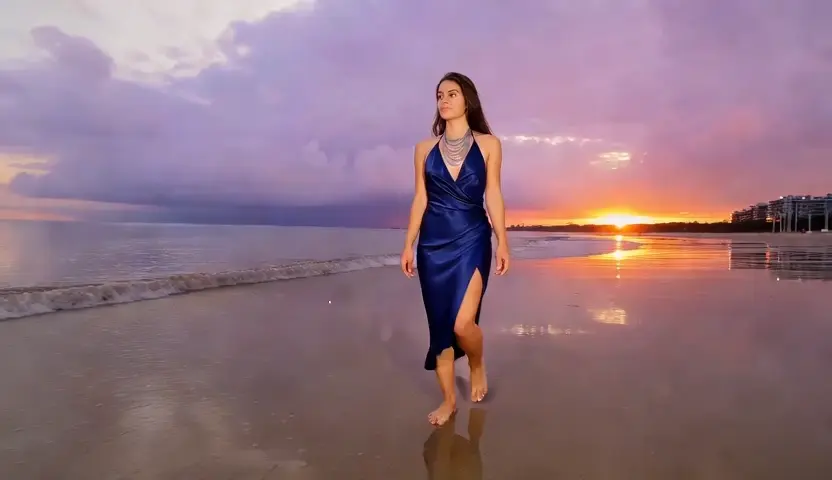
Клип, который заканчивается на пять секунд раньше, или пейзажный снимок, который должен работать вертикально завтра. Sumii расширяет кадры в обоих направлениях-вперед во времени после последнего кадра и наружу в пространстве за пределами исходных краев-при этом сопоставляя зернистость, свет и движение уже в файле. Бесплатно начать, в браузере, не требуется набор редактирования.
Что такое расширитель видео AI от Sumii?

Расширитель видео AI генерирует кадры, которые никогда не были сняты, используя кадры, которые были сняты. Слово охватывает две разные работы, и знание того, какая из них вам нужна, экономит час. Первый-это длина: генеративное расширение читает заключительные кадры вашего клипа-куда направлялся объект, как падал свет, как дрейфует камера-и продолжает движение еще несколько секунд. Это не стоп-кадр, петля или замедление; это новые кадры, которые продолжают идти. Второй-это холст: краска для расширения рамки за пределы оригинальных краев, заполняющая потолок, пол или пространство с обеих сторон, поэтому снимок 16:9 может стать вертикальным 9:16, не отрывая голову вашего объекта. Sumii делает оба из той же загрузки. То, чем он не является, является редактором-он не будет вырезать, цветить или подписывать ваши кадры. Он существует в тот момент, когда редактирование почти завершено, съемка окончена, а снимок, который у вас есть, немного короче или немного уже, чем требуется в результате. Загрузите, просмотрите соединение и экспортируйте, когда шов исчезнет.
Как работает расширитель видео AI от Sumii?
Шаг 1: Загрузите нужный зажим длиннее или расширеннее
Впустите MP4 или MOV-кадры, которые вы сняли, экспорт из вашей временной шкалы или сгенерированный клип. Обрезка до сечения, которое имеет значение в первую очередь, поскольку расширитель считывает рамки, ближайшие к краю, и более чистая граница создает более чистое продолжение.
Шаг 2: Выберите продолжительность или кадр
Выберите, сколько секунд добавить и идут ли они на голову, хвост или оба. Или переключитесь на расширитель видеокадров AI и выберите целевое соотношение, и модель обнажит недостающее пространство, а не обрезает то, что у вас уже есть.
Шаг 3: Проверьте шов, затем экспортируйте
Играть присоединиться на полной скорости, а затем на четверть скорости-вот где проблемы скрываются. Если движение дрейфует или текстура повторяется, укоротите запрос и запустите его снова; два коротких расширения обычно бьют одно длинное. Экспорт MP4, когда он удерживает. Бесплатно начать.
Что вы можете сделать с помощью AI Video Extender от Sumii?

Купите секунды, которые нужны вашему голосу
Повествование длится 6,4 секунды, а кадр-5. Каждый редактор знает следующие варианты: обрезать линию, заморозить кадр или замедлить движение, пока оно не будет выглядеть неправильно. Генеративное расширение вместо этого дает вам недостающий ритм, продолжая движение камеры и движения объекта, чтобы звук приземлился там, где он был записан. Это наименее гламурное использование расширителя видео AI и, безусловно, наиболее распространенное-исправление, которое тихо спасает крайний срок блокировки.

Превратите ландшафтные кадры в вертикальные без обрезки
Все было снято 16:9 и каждый канал теперь хочет 9:16. Обрезка по вертикали означает потерю двух третей кадра и обычно композиции с ним. Вертикальный видеоудлинитель AI строит небо над головой и землю под ней, поэтому объект остается центрированным и неповрежденным, в то время как холст растет, чтобы соответствовать корму. Социальные команды запускают целые каталоги через это, чтобы переформатировать кампании, которые никто не собирается пересаивать.
Дайте Мем или Пунчлайн еще один удар
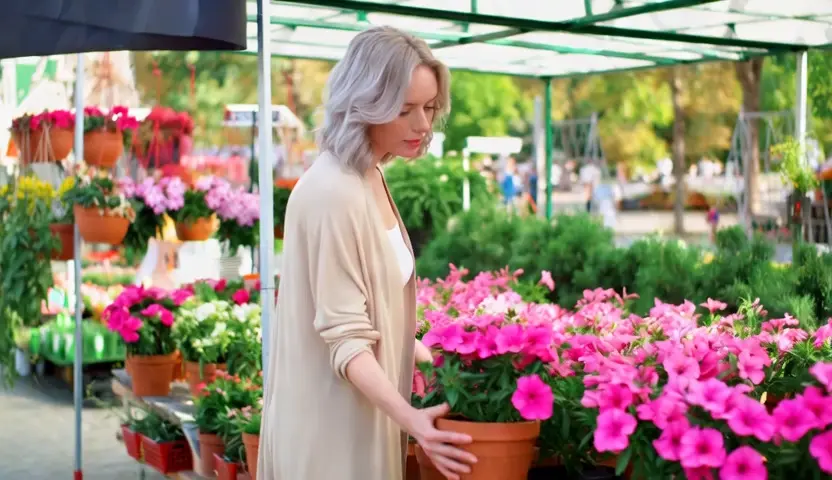
Время комиксов живет в трюме после момента, и большинство клипов сокращают ритм слишком рано. Расширьте хвост, и реакция получит пространство для дыхания, петля закроется должным образом, или шутка продолжит идти туда, где никто не ожидал. Формат мема расширителя видео AI существует именно потому, что несколько сгенерированных секунд могут изменить то, что означает клип-используемый на отснятом материале, который вы имеете право использовать, это самый дешевый панчлайн в редактировании.
Восстановите ручки, которые вы никогда не снимали
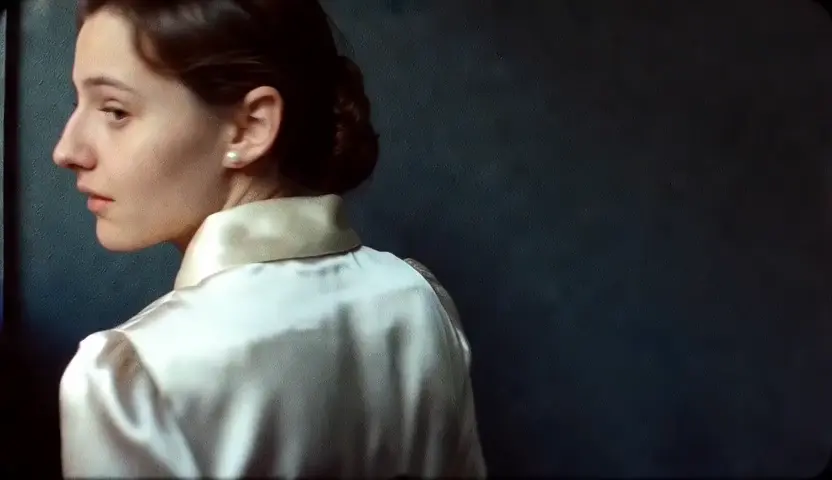
Архивные кадры, интервью с одним дублем, беспилотник проезжает над местом, которое вы не можете пересмотреть-клипы, в которых нет места с обеих сторон для растворения, скоростной рампы или титула, чтобы сидеть. Удлинение головы и хвоста приводит к тому, что ручки, которые забыли оставить, позволяют правильно резать, а не проектировать вокруг жесткого точки. Почтовые команды используют его на материале, где пересъемка не просто дорога, но действительно невозможна.
Для кого предназначен AI Video Extender от Sumii?

Редакторы и пост-продакшн команды
Короткие клипы, отсутствующие ручки и заблокированный график съемки-повседневные ограничения редактирования. Продление продолжительности в браузере и возврат результата на временную шкалу быстрее, чем согласование дня выдачи, и это сохраняет уже одобренный вами разрез в целости и сохранности.

Маркетологи социальных и производительности
Одна съемка, пять размещений, пять соотношений сторон. Расширитель фонового видео переформатирует горизонтальные мастера для вертикальных каналов без перекомпоновки каждого снимка, поэтому кампания может работать везде из одной поставки вместо второго производственного бюджета.

Создатели, стримеры и создатели мемов
Клипы заканчиваются там, где закончилась запись, а не там, где шутка. Продлить момент, закрыть цикл чисто, или растянуть реакцию для эффекта, все на вкладке браузера между сообщениями. Бесплатно начать, и нечего устанавливать на машину, на которой вы редактировали.
Почему выбирают расширитель видео AI от Sumii?
Длиннее и больше, от одной загрузки
Большинство инструментов решают время или холст, никогда оба, поэтому переформатирование короткого клипа для вертикального означает два сервиса и два раунда потери качества. Sumii обрабатывает расширение длительности и расширение кадра в одном файле, что обычно является тем, что нужно для реального результата сразу.
Расширение выглядит как источник
Присоединение терпит неудачу, когда зерно, цвет и движение не переносятся по нему. Sumii обусловляет новые кадры на кадрах с обеих сторон, поэтому добавленные секунды наследуют то же освещение, текстуру и дрейф камеры вместо того, чтобы казаться более чистым и плавным клипом, приклеенном к концу вашего.
На основе браузера, ничего не установлено
Нет плагина, нет узла визуализации, нет лицензии места для пакета, который вы используете один раз в месяц. Загрузки остаются в вашей сессии, а не в публичной галерее, и вы можете просмотреть шов, прежде чем тратить емкость-что имеет значение, потому что вы не всегда хотите получить результат.